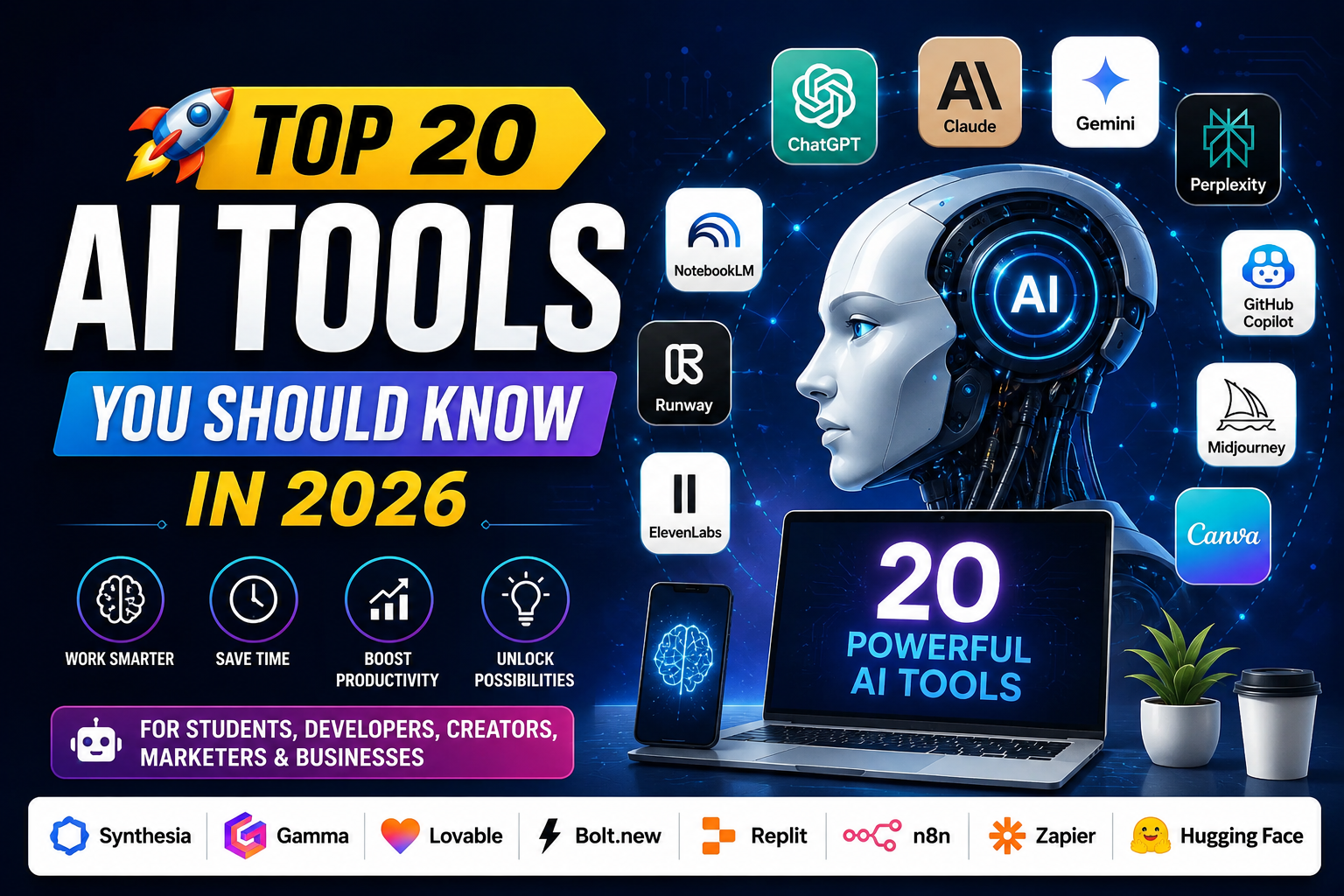
Discover the top 20 AI tools you should know in 2026, including ChatGPT, Claude, Gemini, Midjourney, Cursor, Canva AI, Runway, and more.
Artificial Intelligence is rapidly transforming the way we work, learn, create, and do business. From writing and research to coding, image generation, video creation, and automation, AI tools are helping people accomplish tasks faster and more efficiently.
Whether you’re a student, developer, designer, marketer, content creator, entrepreneur, or business professional, knowing the right AI tools can give you a significant productivity advantage.
Here are 20 AI tools you should know in 2026.
—
1. ChatGPT 🤖
ChatGPT is a versatile AI assistant that can help with research, writing, coding, brainstorming, summarization, analysis, and everyday tasks.
Best for: Students, writers, developers, marketers, researchers, and professionals.
—
2. Claude ✍️
Claude is an AI assistant known for strong writing and analysis capabilities. It can be particularly useful for working with long documents, complex instructions, research material, and professional content.
Best for: Writing, document analysis, research, and knowledge work.
—
3. Gemini 🌐
Gemini is Google’s AI assistant and is particularly useful for people who work within the Google ecosystem.
It can assist with writing, research, brainstorming, document-related tasks, and other productivity workflows.
Best for: Google Workspace users, students, professionals, and researchers.
—
4. Perplexity AI 🔎
Perplexity combines AI with web search to provide answers to questions along with sources and citations.
It can be useful when you want to quickly research a topic and explore supporting information.
Best for: Research, fact-finding, and exploring current information.
—
5. GitHub Copilot 💻
GitHub Copilot is an AI coding assistant designed to help developers write and understand code.
It can assist with code completion, generating code, debugging, explanations, and development workflows.
Best for: Software developers and programmers.
—
6. Cursor AI 👨💻
Cursor is an AI-powered code editor designed around AI-assisted software development.
Developers can use natural-language instructions to understand codebases, make changes, find bugs, and work more efficiently.
Best for: Developers and software engineers.
—
7. NotebookLM 📚
NotebookLM is an AI research and learning assistant that works with the sources you provide.
It can help transform documents and research material into summaries, notes, explanations, study material, and other useful formats.
Best for: Students, researchers, educators, and professionals working with documents.
—
8. Midjourney 🎨
Midjourney is a popular AI image-generation platform capable of creating highly creative visuals from text prompts.
It can be used for concept art, illustrations, posters, creative projects, and social media visuals.
Best for: Designers, artists, creators, and marketers.
—
9. Adobe Firefly 🖼️
Adobe Firefly brings generative AI capabilities to creative workflows.
It can help users generate and edit images and creative assets using AI, making design tasks faster and more accessible.
Best for: Designers, photographers, marketers, and content creators.
—
10. Canva AI ✨
Canva combines its easy-to-use design platform with AI-powered features.
Users can create presentations, graphics, social media content, and other visual assets more quickly with AI assistance.
Best for: Social media creators, marketers, students, and small businesses.
—
11. Runway 🎬
Runway is an AI-powered creative platform focused on video generation and editing.
It can help creators experiment with AI-generated video and visual effects.
Best for: Video creators, filmmakers, designers, and social media creators.
—
12. ElevenLabs 🎙️
ElevenLabs specializes in realistic AI-generated voices.
It can be used to create voiceovers and other audio content for videos, podcasts, educational projects, and creative work.
Best for: YouTubers, podcasters, video creators, and businesses.
—
13. Synthesia 👤
Synthesia allows users to create videos featuring AI avatars without needing to appear in front of a camera.
It can be useful for training, education, corporate communication, presentations, and marketing.
Best for: Businesses, educators, trainers, and content creators.
—
14. Gamma 📊
Gamma uses AI to help create presentations, documents, and visual content quickly.
Instead of starting from a blank page, users can provide an idea and let AI help structure the content.
Best for: Students, professionals, entrepreneurs, and presenters.
—
15. Lovable 🚀
Lovable is an AI-powered development platform that helps users build web applications using natural-language instructions.
It can be particularly useful for quickly turning an idea into a working prototype or application.
Best for: Entrepreneurs, developers, startups, and rapid prototyping.
—
16. Bolt.new ⚡
Bolt.new helps users build web applications with AI assistance.
By describing what you want to create in natural language, you can accelerate the process of developing and experimenting with web applications.
Best for: Developers, entrepreneurs, and creators building web apps.
—
17. Replit AI 💻
Replit combines an online development environment with AI-powered coding capabilities.
Users can build, debug, test, and deploy applications from the browser, making it convenient for learning and rapid development.
Best for: Developers, students, and beginners learning to code.
—
18. n8n AI 🔄
n8n is a workflow automation platform that can connect different applications and services.
Its AI capabilities can help users build automated workflows and AI-powered processes, reducing repetitive manual work.
Best for: Developers, businesses, automation enthusiasts, and technical teams.
—
19. Zapier AI ⚙️
Zapier connects different apps and automates repetitive tasks.
With AI-powered features, businesses can build workflows that connect tools such as email, spreadsheets, CRM platforms, and other services.
Best for: Businesses, marketers, operations teams, and entrepreneurs.
—
20. Hugging Face 🤗
Hugging Face is one of the major platforms in the open-source AI ecosystem.
It provides access to a huge collection of AI models, datasets, libraries, and machine-learning resources.
Best for: AI developers, researchers, students, and machine-learning enthusiasts.
—
🏆 Which AI Tool Should You Use?
Need| Recommended Tools
✍️ Writing| ChatGPT, Claude
🔎 Research| Perplexity, NotebookLM, Gemini
💻 Coding| GitHub Copilot, Cursor, Replit
🎨 AI Images| Midjourney, Adobe Firefly, Canva AI
🎬 AI Video| Runway, Synthesia
🎙️ AI Voice| ElevenLabs
📊 Presentations| Gamma, Canva AI
🌐 Web Apps| Lovable, Bolt.new, Replit
⚙️ Automation| n8n, Zapier
🤖 Open-Source AI| Hugging Face
🚀 Why Should You Learn AI Tools in 2026?
Learning AI tools isn’t just about using the latest technology. It’s about working smarter and increasing your productivity.
AI can help you:
– ✅ Save time on repetitive tasks
– ✅ Generate ideas faster
– ✅ Create content more efficiently
– ✅ Improve coding productivity
– ✅ Research topics faster
– ✅ Create professional visuals
– ✅ Automate business workflows
– ✅ Build and test new ideas quickly
– ✅ Learn new skills more efficiently
⚠️ Don’t Rely on AI Blindly
AI tools are powerful, but they aren’t perfect.
Always review and verify AI-generated information, especially when dealing with news, research, finance, legal matters, health information, or important business decisions.
Also consider privacy and data-handling policies before uploading sensitive information to any AI service.
🌟 Final Thoughts
AI is no longer limited to technology companies or software developers. In 2026, AI tools are becoming valuable productivity partners for students, creators, professionals, entrepreneurs, and businesses.
You don’t need to master all 20 tools.
Start by choosing two or three tools that match your work or interests, learn them properly, and gradually build AI into your daily workflow.
The future isn’t simply about AI replacing people.
It’s about people who know how to use AI becoming more productive. 🚀🤖
—
📌 AI Notes
Want to discover more AI tools, productivity tips, useful websites, and the latest AI updates?
Follow AI Notes for more useful tools and technology updates.